I want to make this bit smooth and tight. Add proper motion graphics and generate music for this talking head content.
read_script, read 2 files
I can see there are repeated takes and a trailing "okay?" that can be trimmed. Let me also check for fillers and silences to tighten everything up.
Edited, apply_script
Tightened it up: cut the leading and trailing dead air, and shortened the pauses between sentences.
Added motion graphics, apply_script
Dropped a Midnights title card and a quote lower-third onto the MG track, animated in over the open, above your footage.
Generated music, apply_script
Generated a soft music bed and tucked it under the whole clip, leveled so it ducks beneath your voice.
Tell AI what changes to make, @ to reference media
MY ASSETSLIBRARY
Motion GraphicsLUTsZoomFX
FavoritePopularData Viz
Quote Title Card
GDP Dual Chart
Apple Sales
00:00:04:11 / 00:01:30:00
00:00.00 / 00:13.19 OFF
00:00:0000:04:0000:08:0000:12:00
MGGraphics
Quote Card
Midnights Overlay
V1Video 1
A1Audio 1
interview.wav
interview.wav
Illustrative editor workflow. Results depend on the source footage and prompt; review every edit before export.
See an AI video edit from source to result
In our August 22, 2026 walkthrough, ChatGPT used ChatCut to turn a Lenny’s Podcast episode
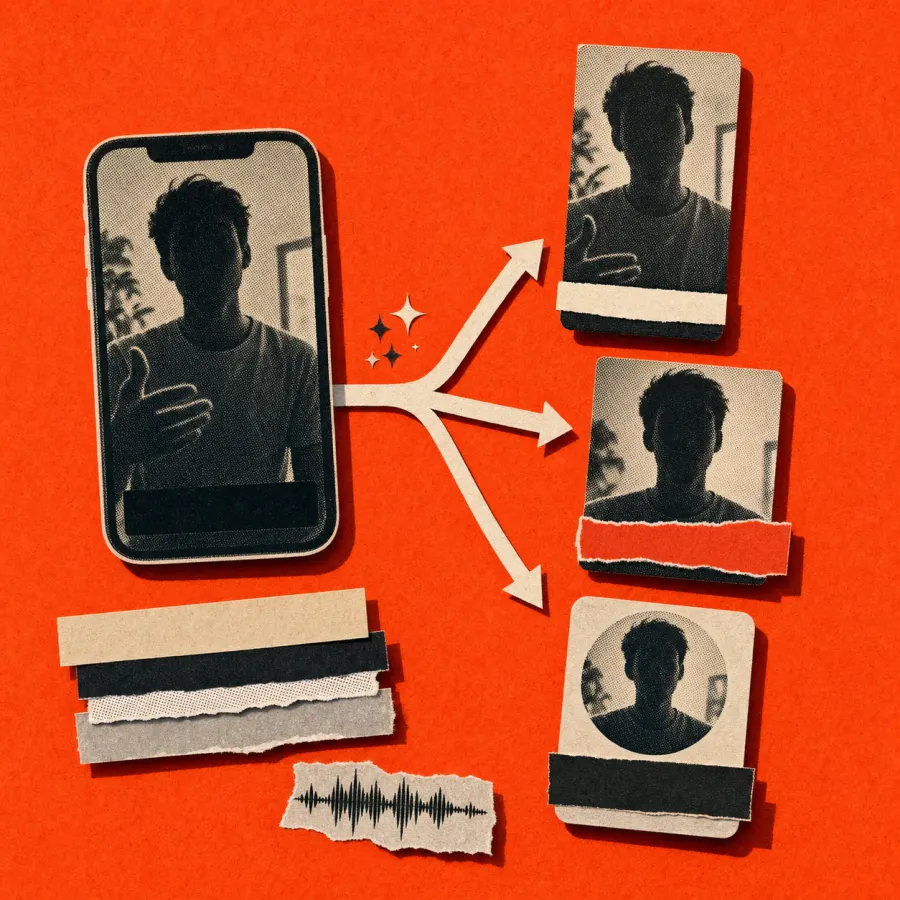
into three captioned vertical highlights. The published example includes the source video,
editing prompt, screen recording, and output details: 1080 × 1920, 30 fps, H.264 MP4.
The source media and editable timelines remained in the project.
This is one recorded workflow. Review the selected quotes, framing, captions, and final
exports before publishing. The demonstration recording is silent; it does not independently
verify the audio quality of the exports.
ChatCut turns your instructions into editable changes to clips, tracks, and captions. Continue in chat, edit the transcript, or refine the same project on the timeline.
ChatCut turns the active transcript into timed captions. Preview a built-in or saved style, edit the text, and export the result as video or subtitles.
An AI video editor for YouTube, TikTok, podcasts & social
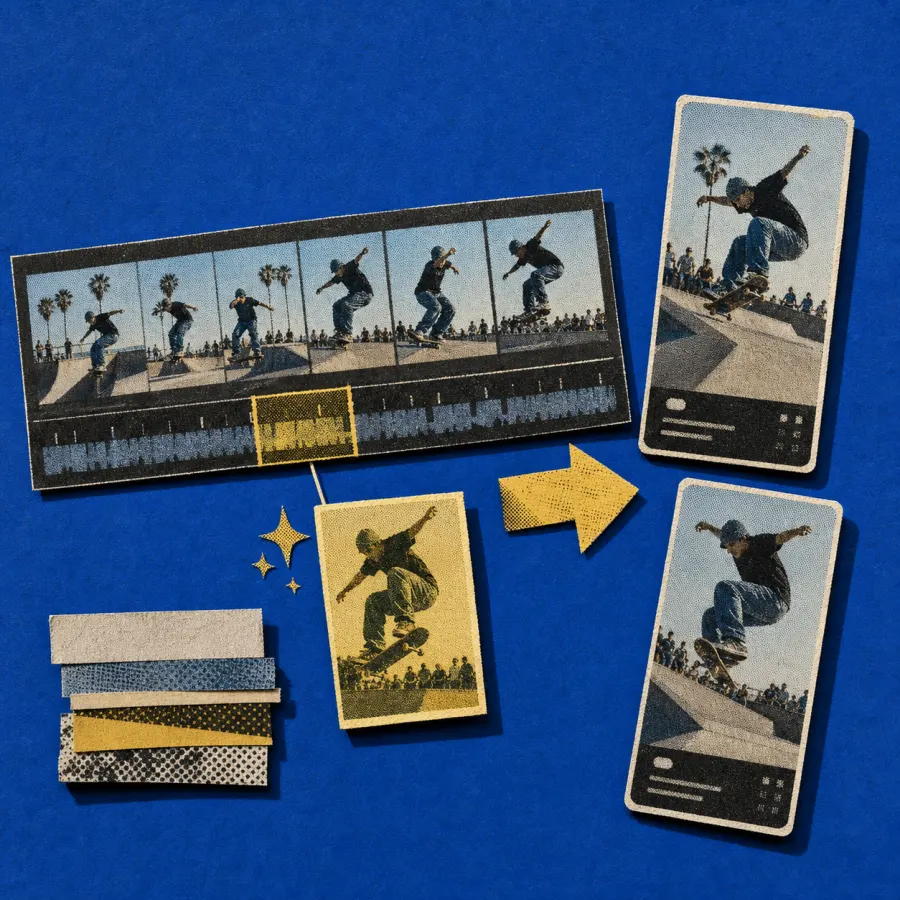
Every platform wants a different cut. ChatCut shapes each video for the surface it's meant for, instead of forcing every format through one template.
YouTube, TikTok & Reels
Long-form or vertical from one upload. Reframe to 9:16, add captions, and cut highlight reels.
Podcasts & interviews
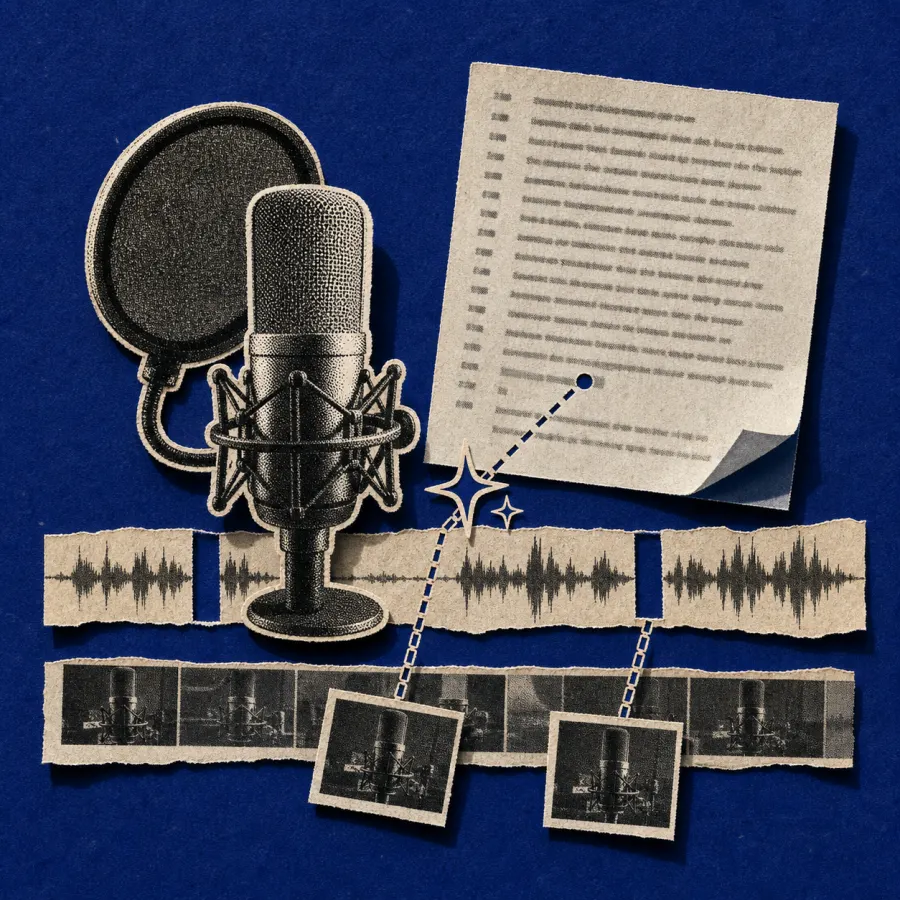
Edit by reading the transcript, label speakers, and strip filler, then publish as audio or video.
Courses & training
Turn a long session into clean lessons. Add chapters and cut screen-recording mistakes.
Marketing & product
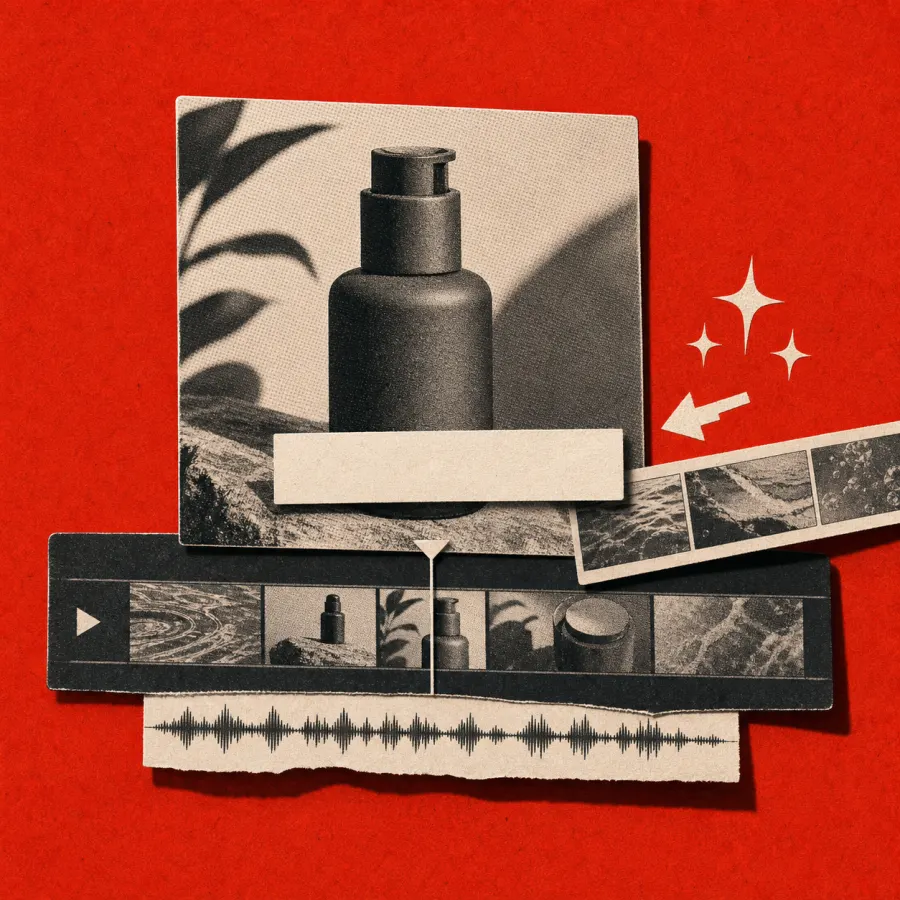
Demos, launches, and explainers with lower thirds, voiceover, B-roll, and branded visuals.
Webinars & events
Cut long recordings into recap clips and speaker highlights, straight from the transcript.
Ads & UGC
Test hooks, captions, and endings from one take, ready for ads and organic posts.
All your tools, on one timeline
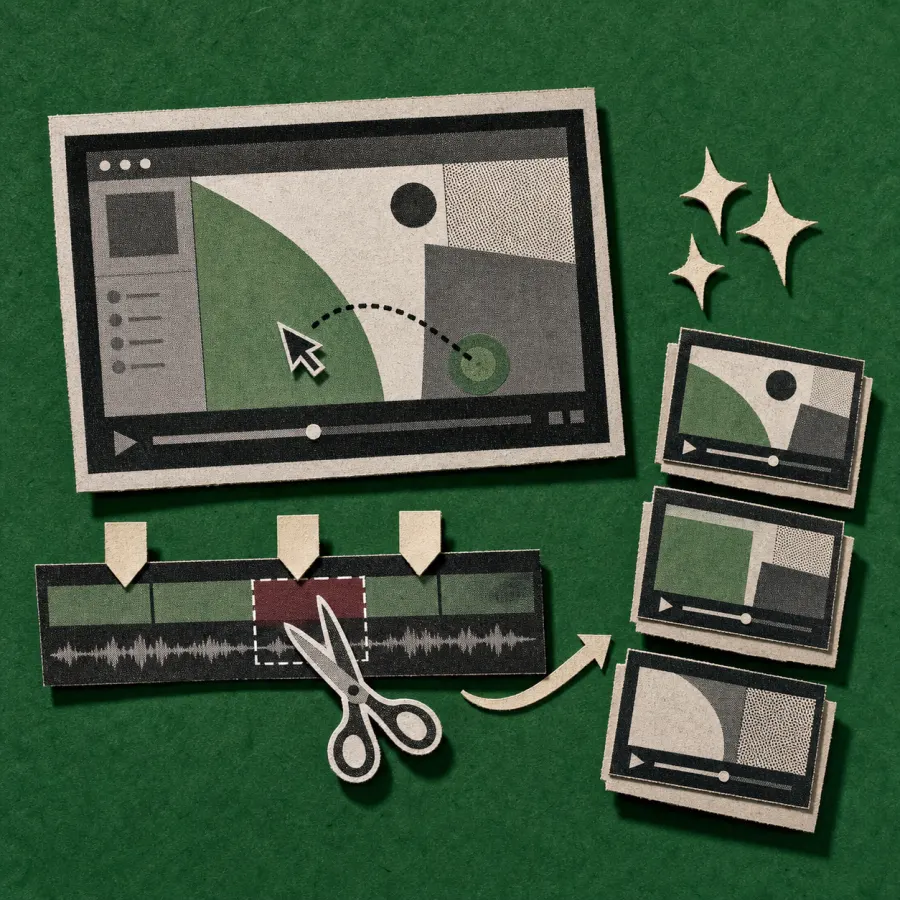
Generate clips, edit on a multi-track timeline, and turn the active transcript into timed captions. Work in the desktop app, web app, or ChatCut Agent Plugin.
An AI video editor edits footage from instructions instead of manual, frame-by-frame work. It cuts pauses, generates captions, cleans audio, and reframes for each platform. ChatCut goes further: describe the edit in plain English and it happens on a real multi-track timeline, where everything stays editable by hand.
Can AI actually edit a video for me?
Yes. Tell ChatCut "cut the silences," "tighten the intro," or "pull the best 30 seconds for a Reel," and it runs the edit on the timeline while you watch. Each instruction becomes a normal edit you can undo, adjust, or build on. The more specific you are, the better the cut.
Is ChatCut's AI video editor free?
It's free to start, no card. Sign-up includes starter credits to edit, caption, and generate. The Pro plan adds more credits, higher limits, and Pro-only exports like ProRes 4444 with alpha. Compare Free and Pro.
ChatCut transcribes speech and maps each word to its time range. Select words and press Delete; ChatCut removes that range from the selected track and closes the gap. Review the cut and use Undo if needed. Read the transcript editing steps.
Do I need editing experience to use ChatCut?
You can start by describing the change you want, then inspect the result in the player, transcript, and timeline. The manual timeline controls remain available when you want to trim, split, move, or undo an edit.
Where can I use ChatCut?
Use ChatCut Desktop on macOS or Windows, open the web app in a desktop browser, or use the ChatCut Agent Plugin in Claude Code Desktop or Codex Desktop. All three open an editable ChatCut project. Compare the three products.
How is ChatCut different from other AI video editors?
ChatCut combines conversational editing, a transcript, and a multi-track timeline. AI edits become clips, tracks, and captions that you can inspect and adjust manually. You can continue in the conversation or refine the same project in the editor.
Can multiple people edit the same project together?
Yes. A project owner can create an invite link, and a signed-in recipient can join as an editor. Invited editors can upload media, change the project, and run generations. Use a watch link when someone should only review an exported video. Read the sharing and collaboration steps.